From “What if…”
to “I made this.”
A story starts the adventure. Your child’s ideas move it forward.
Here’s how creating with AI works in Rifflo.
 Start together.Parent sign-in first.
Then into the story.Step 1 · ArriveMeet your guide.
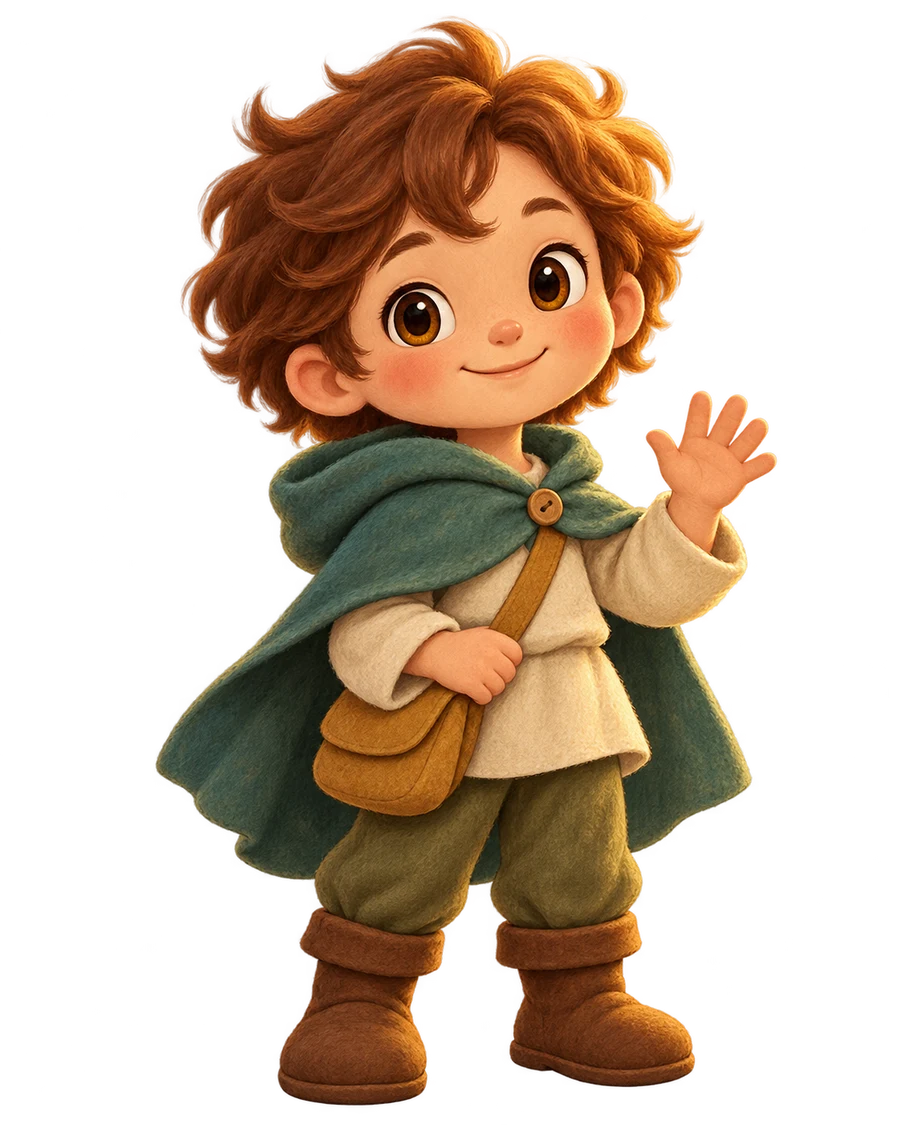
A parent confirms supervised use and signs in with Google. Clover welcomes your child and leads the way. If asked, choose a fictional creator nickname.
 A story gives the idea a purpose.Step 2 · Discover
Find someone to create for.
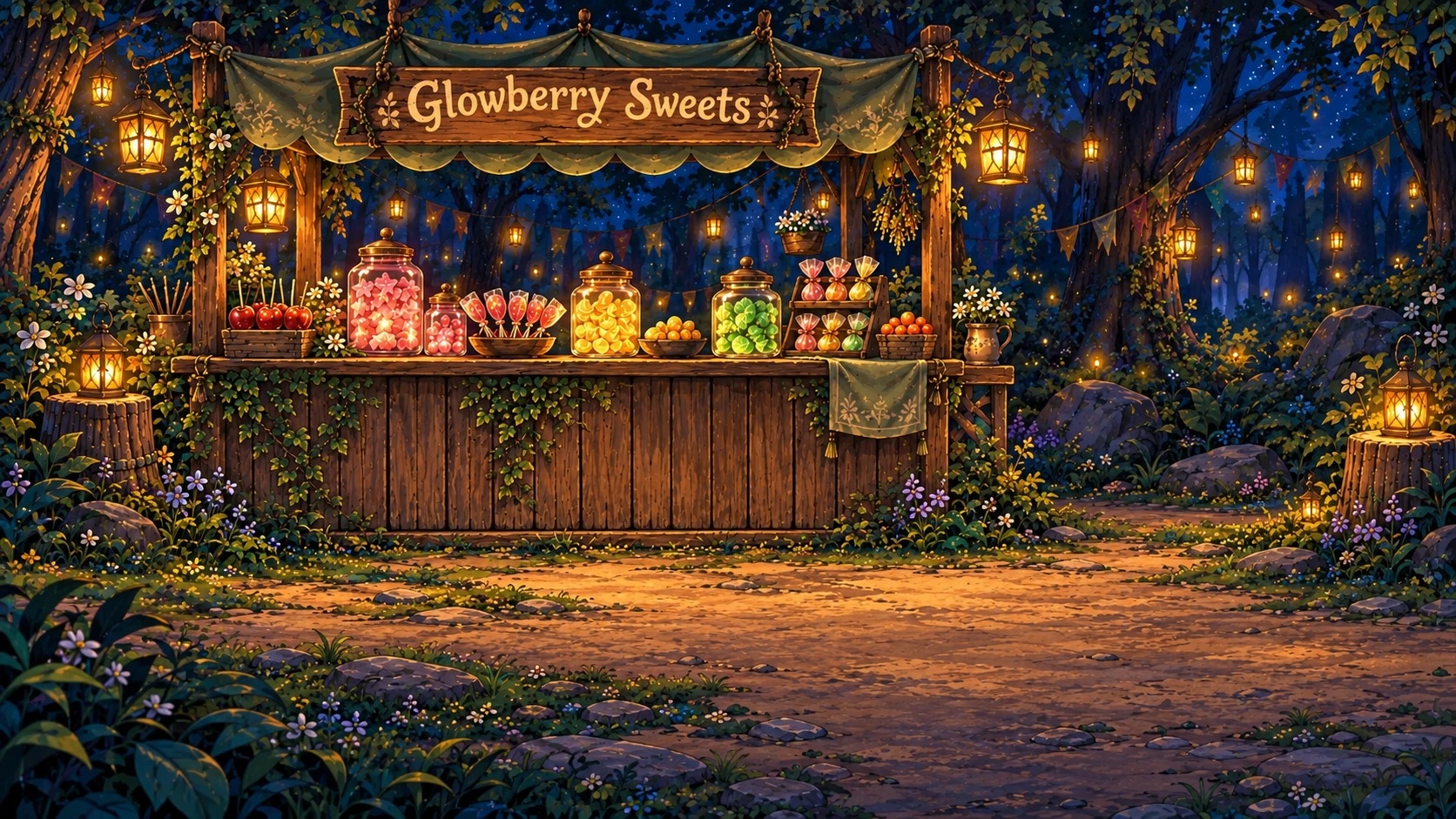
A character has a challenge. At the forest market, for example, Luma needs a poster for her shop. Your child thinks about what it should say and show.
- An example idea
“Make it bright and welcoming, with sweets that look like little stars.”
Their words set the direction.AI helps turn the description into artwork.
Step 3 · CreateThe idea starts with them.
They describe what they imagine. AI helps make the picture or song. Where available, voice input lets them speak, review the text, and then send it.
No perfect prompt required. AI may fill in details they haven’t specified.
- Look at the pictureListen to the song“Does it match my idea?”Try a new versionKeep the creation
Kept work lives in private My creations.
Step 4 · DecideThe final say is theirs.
Look closely or listen together. Your child can keep a result or make another version, then carry on with the adventure.
Generating again can give a different result; it doesn’t guarantee an exact edit.
Curiosity beats a perfect first try.
AI takes time and can get things wrong. There’s room to pause, rethink, and create again.
Questions about getting started?A little adventure starts with their idea.
Sign in as a parent, meet Clover, and discover who needs a hand.